

 AI platform for dental hygienists and dentists
Show patients their plaque through the eyes of AI
Upload photos and get a complete report in 30 seconds: plaque, hygiene indices, interdental brush chart, recommendations, and a patient PDF in one tool.
- 1clinician confirmation
- 30 secfor a complete analysis
- 5hygiene indices
AI identifies everything you need
A digital assistant
for dentists and hygienists

AI plaque analysis
The algorithm marks disclosed plaque areas; a clinician confirms the result

5 hygiene indices
Fedorov–Volodkina, API Lange, OHI-S, Silness–Löe, PHP

PDF reports
Professional patient reports with a QR code

Telegram + Max
Automated visit reminders for patients

Interdental brush chart
An interactive map of interdental spaces

Periodontal chart
Pocket depth, bleeding, and tooth mobility

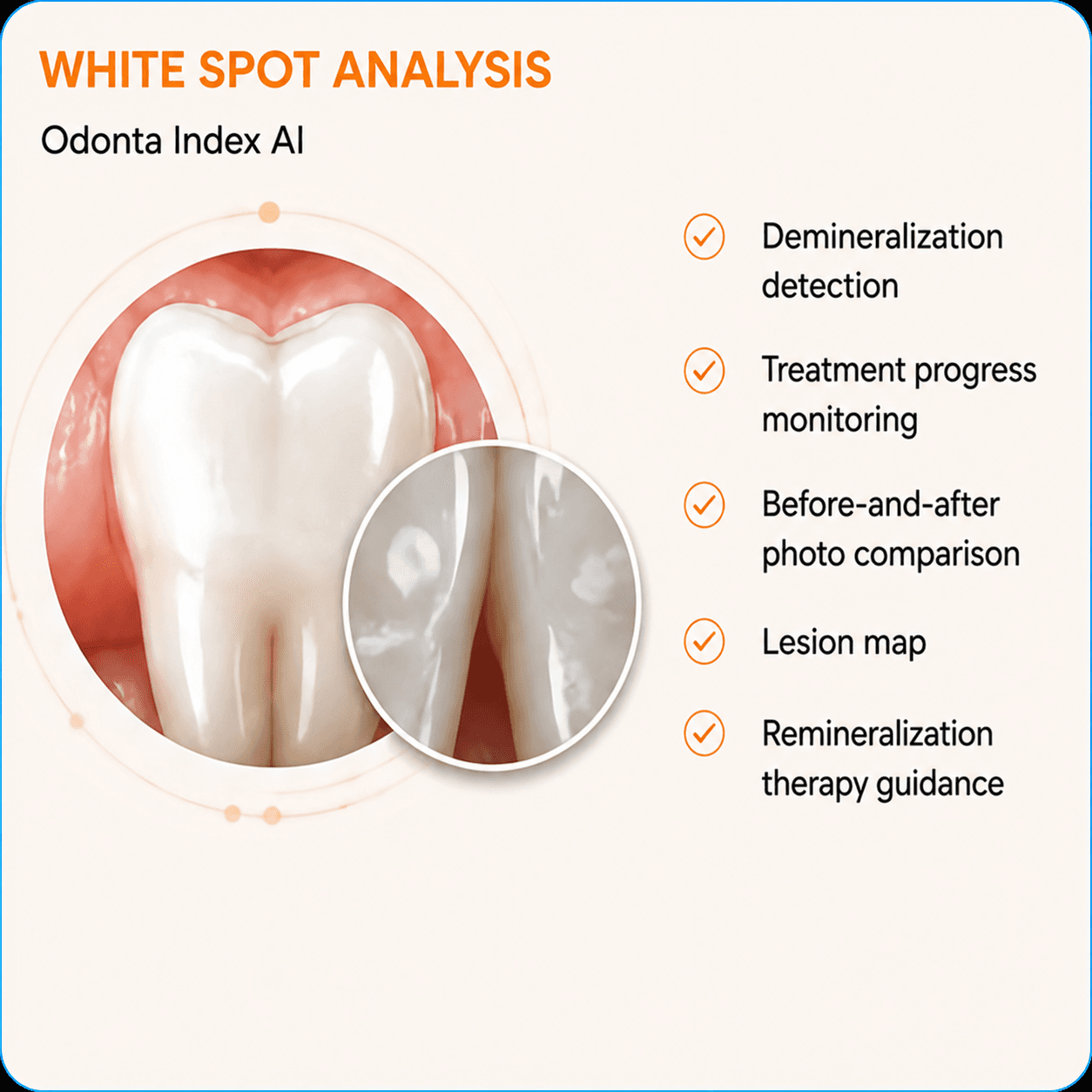
White Spot Analysis
Detect demineralization before cavities develop
Process
4 steps to a result
Upload photos
3 tooth photos taken with a plaque-disclosing agent
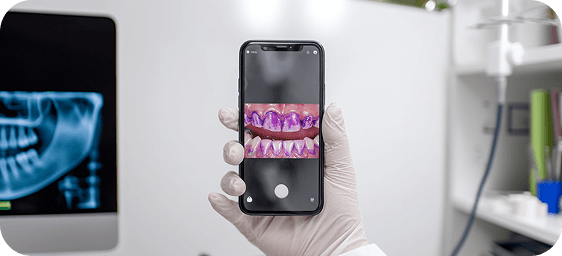
AI analyzes them
The neural network detects plaque and calculates indices
Get the report
A PDF with personalized oral-care recommendations
Send it to the patient
Via Telegram, Max, or email in one click
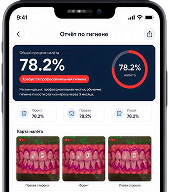
Clear visuals that motivate patients to accept treatment
A sample patient report
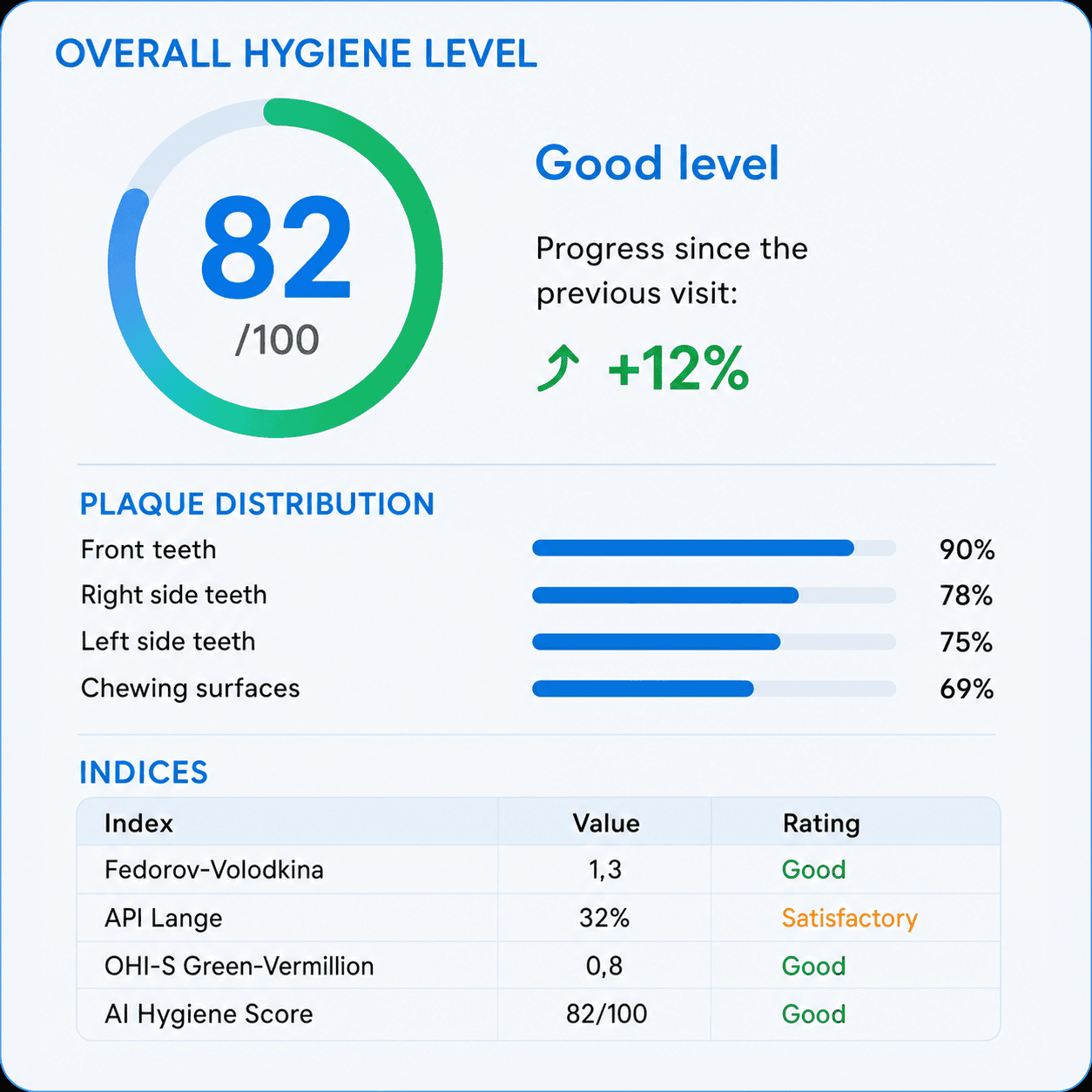
Overall hygiene level
Odonta Index AI calculates a combined score and compares it with the previous visit. Patients can see their progress, which keeps them motivated.
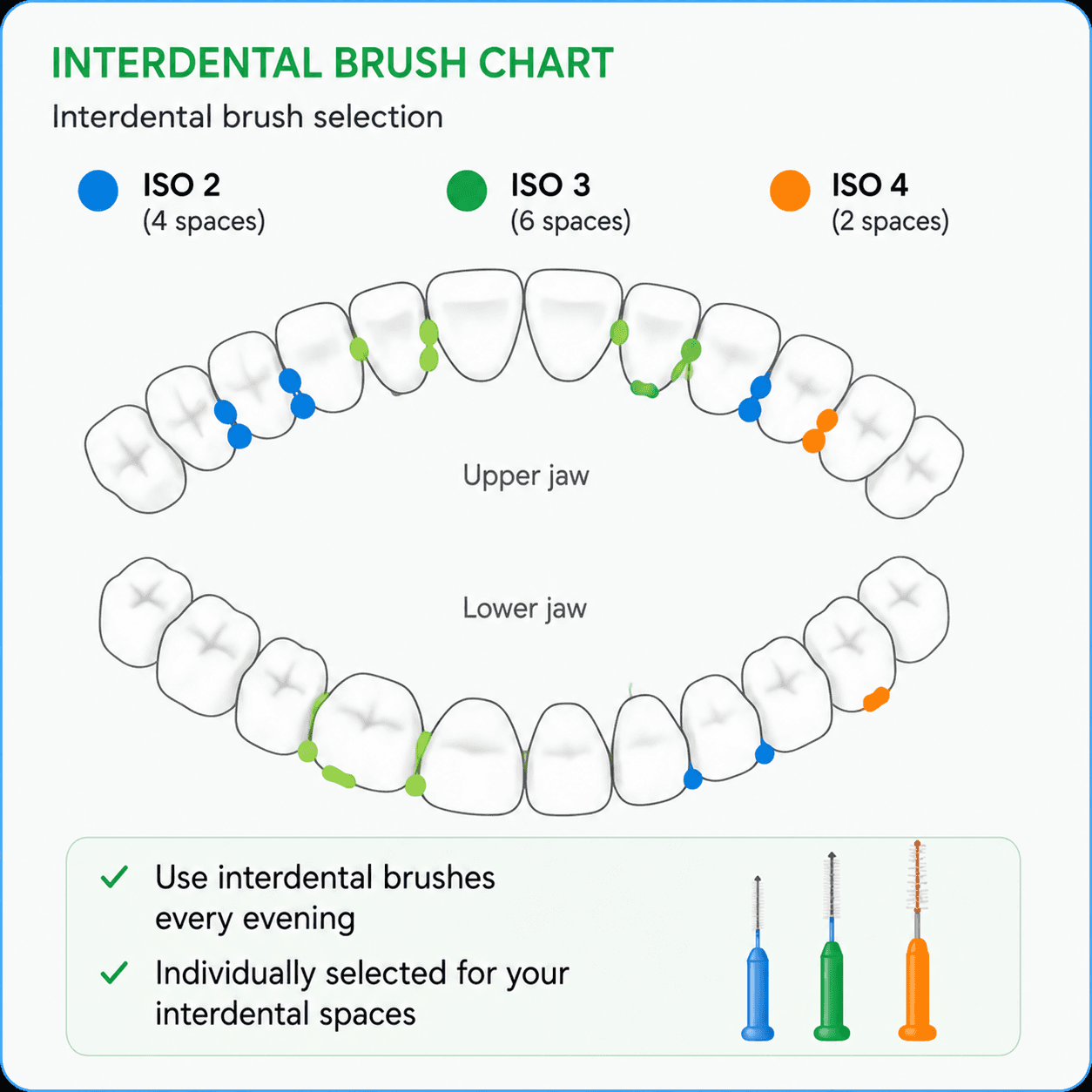
Interdental brush chart
A color map of interdental spaces. Patients leave with a specific brush list, without confusion at the pharmacy.
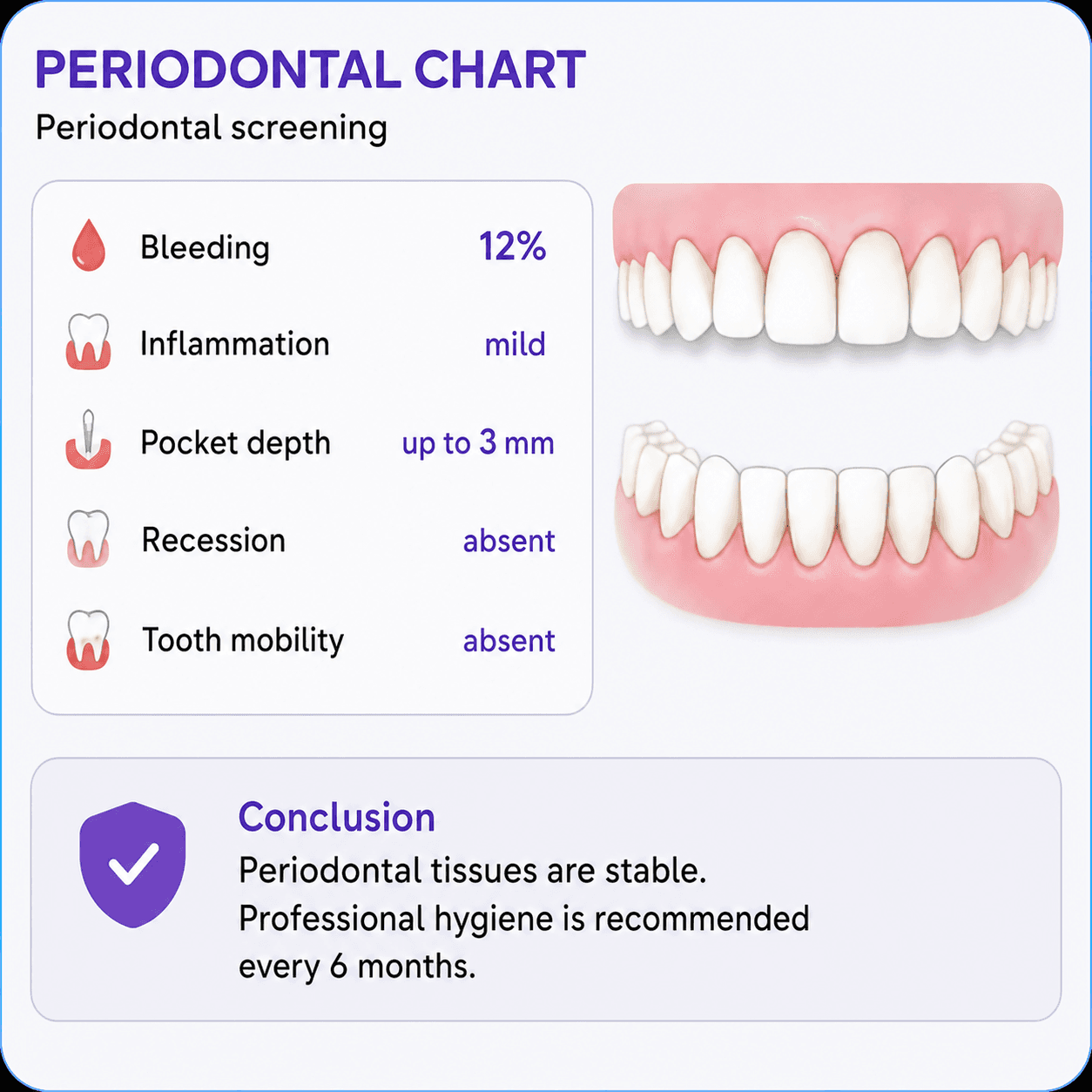
Periodontal chart
Screen periodontal health during the appointment and make a clear case for additional treatment.
White Spot Analysis
Detect demineralization before cavities develop.
For clinics
How Odonta Index helps
your clinic earn more
More preventive-care revenue
Patients who see the report understand the problem and are more likely to accept treatment. Repeat visits grow naturally.
- Higher conversion to hygiene and preventive care
- More repeat visits with automated reminders
- More sales of at-home oral-care products
- Better patient adherence
- Reports branded for your clinic
- Quality control for hygienists
- Standardized appointment protocols
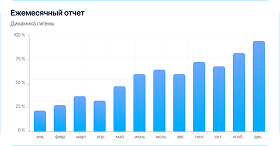
Clinic analytics
Review each clinician’s work, track patient progress, and use transparent analytics to make informed decisions.
Patient trust
Numbers and a plaque map are more persuasive than words. Fewer objections mean more accepted recommendations.

Your brand on every report
Each PDF includes your clinic’s logo and details. Patients keep the report and remember where their analysis was performed.

Clinician reviews
What professionals say
Dental professionals already use Odonta Index AI

“The indices are calculated automatically, so I no longer fill in tables by hand. I save around 10 minutes at every appointment.”
“I used to spend 15 minutes explaining results. Now I show the Odonta report and everything is clear. Patients start paying attention to their hygiene.”
“Children love the visualization. I show them where the plaque is, and they immediately understand why brushing matters. Parents appreciate the reports too.”
“It is invaluable for patients with braces. Every problem area is visible, and patients receive specific interdental-brush recommendations.”
Pricing
Choose your plan
From a free introduction to complete clinic analytics
- 5 free reports
- AI plaque analysis
- Odonta Hygiene Score
- Core recommendations
- 30 reports/month
- All hygiene indices
- PDF reports
- Interdental brush selection
- Periodontal screening
- Patient AI chat
- 100 reports/month
- Everything in Start
- Patient history
- Metric trends
- Caries risk assessment
- Reminder chatbot
- 200 reports/month
- Everything in Pro
- Branded reports
- Clinic logo in PDFs
- Bulk messaging
- 500 reports/month
- Everything in Clinic
- Clinician analytics
- Clinician ratings
- Management reports
Ambassadors
Our ambassadors
Experts who trust Odonta Index AI


Connect your clinic to Odonta Index AI
Ready to grow hygiene treatment acceptance?
Registration is free, and your first 5 reports are included.
Documents
Everything you need to connect and get started
Guides, setup instructions, and feature documentation for clinics, clinicians, and administrators.
FAQ
Frequently asked questions
What do I need to get started?
Create an account, add your clinic, and upload the patient’s first photos. Your first reports are available immediately after sign-in.
Can I add multiple clinicians?
Yes. Clinic plans let you create clinician accounts, issue credentials, and manage patients in one workspace.
Where are documents and reports stored?
Reports and documents are available in your account. Clinic administrators can also add their own files and shared instructions.
Is onboarding support available?
Yes. Your account includes a support section, and Telegram, phone, and email are available on the site for quick questions.